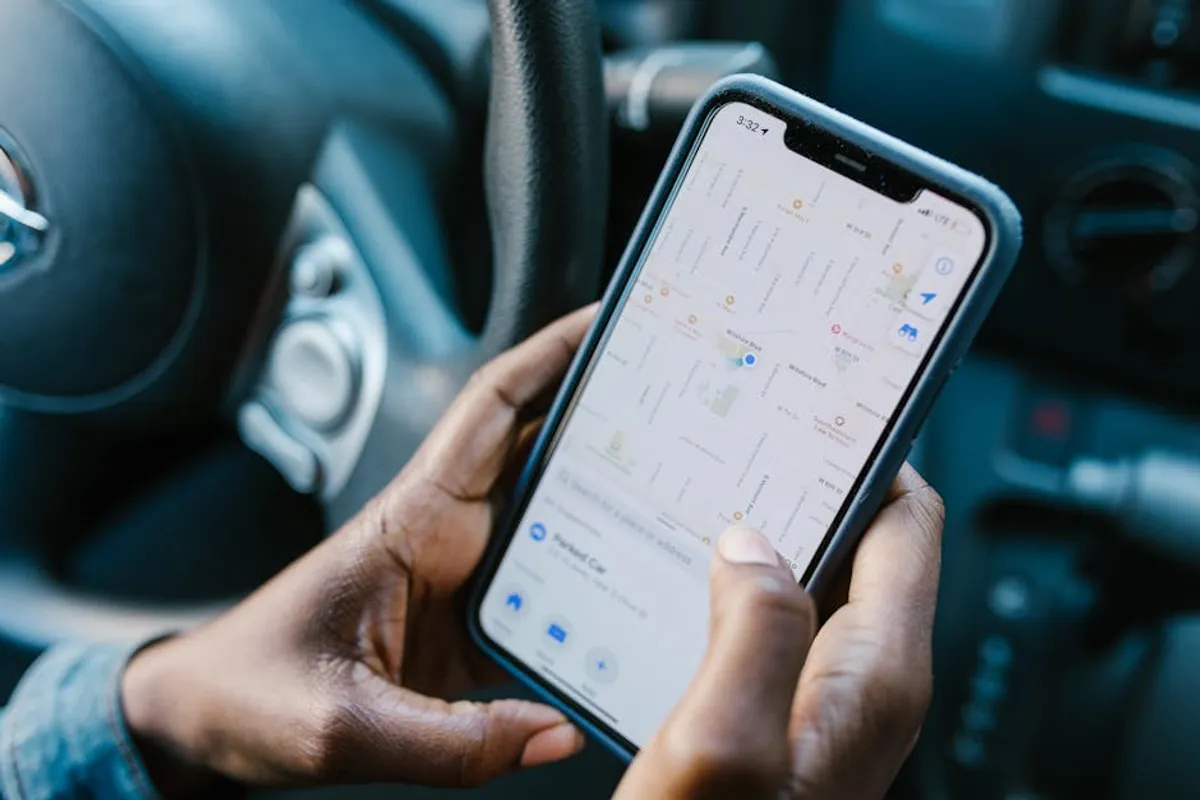
The recent removal of Google Maps Media Controls has altered how many users interact with audio playback during navigation. Previously, these integrated controls allowed for direct management of music, podcasts, and other audio sources without leaving the Maps interface. This functionality streamlined the driving experience, minimizing distractions by centralizing navigation and media management. Its discontinuation means users now face a fragmented workflow, requiring switches between applications to adjust playback, potentially impacting both convenience and safety.
For those accustomed to the seamless integration, identifying effective alternatives is crucial. The goal is to restore a similar level of ease and control, whether through dedicated media players, alternative navigation apps with robust audio features, or comprehensive in-car systems. This guide explores the features previously offered by Google Maps Media Controls, examines their practical uses, and provides a detailed review of viable alternatives to help maintain an efficient and safe driving environment.
What to Look For in an Alternative
When evaluating replacements for the integrated media controls in Google Maps, several critical factors should guide your selection. The most effective alternatives will prioritize ease of use, safety, and integration with your existing digital ecosystem. Consider how well the alternative supports hands-free operation, its compatibility with your preferred audio streaming services, and its ability to minimize visual distractions while driving.
- Seamless Integration: Does the alternative allow for quick, intuitive control of media without excessive app switching? Look for solutions that either layer controls over navigation or offer robust voice command capabilities.
- Media Service Compatibility: Ensure the alternative supports your primary music, podcast, or audiobook services. A solution that forces you to switch providers negates much of its utility.
- Driving-Optimized Interface: Large buttons, clear text, and minimal visual clutter are essential for safe interaction. Many apps offer a dedicated "car mode" for this purpose.
- Voice Control: The ability to control playback using voice commands is a significant safety feature, allowing drivers to keep their hands on the wheel and eyes on the road.
- Platform Agnosticism: While some solutions are tied to specific operating systems (iOS, Android), others offer cross-platform functionality, which can be beneficial if you use multiple device types.
- Offline Playback: For areas with poor cellular coverage, the ability to download and play media offline is a practical consideration.
1. Spotify
Spotify stands as a leading audio streaming service, offering a vast library of music and podcasts. Its relevance as an alternative to Google Maps Media Controls stems from its dedicated "Car Mode" and robust integration capabilities with various navigation apps and in-car infotainment systems. Spotify's focus on user experience, particularly for on-the-go listening, positions it as a primary choice for maintaining media control during travel.
Key Features: Large, simplified interface in Car Mode; voice command integration for playback control and content search; extensive library of music and podcasts; offline listening for premium users; integration with Waze, Google Assistant, and Apple CarPlay/Android Auto.
Pricing: Free tier with ads; Premium subscription at varying monthly rates for ad-free listening, offline downloads, and higher audio quality.
Best For: Users primarily focused on music and podcast streaming who require a driving-optimized interface and broad compatibility with in-car systems and voice assistants.
Pros:
- Car Mode simplifies controls, reducing driver distraction.
- Broad compatibility with most car infotainment systems and mobile platforms.
- Extensive content library caters to diverse listening preferences.
- Offline playback functionality is valuable for data saving or poor signal areas.
Cons:
- Free tier includes advertisements, which can interrupt listening.
- Car Mode features are progressively integrated, and full functionality may vary by device.
- Requires a separate application switch if not deeply integrated with the navigation app.
2. Apple Music
Apple Music serves as a direct competitor to Spotify, deeply integrated within the Apple ecosystem but also available on Android. Its strength as an alternative lies in its seamless integration with Apple CarPlay and Siri, offering a cohesive experience for iPhone users. For those committed to the Apple environment, Apple Music provides a familiar interface and reliable performance for media playback during navigation.
Key Features: Extensive music catalog with lossless audio options; integrated with Siri for voice control; seamless experience with Apple CarPlay; curated playlists and radio stations; offline downloads for subscribers.
Pricing: Monthly subscription required; various plans including individual, family, and student options.
Best For: iPhone users and those with Apple CarPlay-equipped vehicles seeking deep ecosystem integration and high-quality audio streaming.
Pros:
- Deep integration with Apple devices and services like Siri and CarPlay.
- High-quality audio streaming options, including lossless audio.
- User interface is consistent with other Apple applications.
- No advertisements for subscribers.
Cons:
- Primarily subscription-based, with no robust free tier.
- Android app experience, while functional, is not as deeply integrated as on iOS.
- Less emphasis on podcast integration compared to some dedicated podcast apps.
3. Waze
Waze, a community-driven navigation app, has proactively integrated audio player controls directly into its interface. This feature allows users to manage playback from popular streaming services like Spotify, Apple Music, and YouTube Music without leaving the Waze map view. Waze's approach directly addresses the convenience gap left by the removal of Google Maps Media Controls, offering a unified experience for navigation and audio.
Key Features: Integrated audio player with controls for major streaming services; real-time traffic and hazard reporting; voice-guided navigation; customizable map display and voice prompts.
Pricing: Free to use, supported by advertisements.
Best For: Drivers who prioritize real-time traffic updates and desire integrated media controls within their primary navigation application, without needing to switch apps.
Pros:
- Directly integrates media controls into the navigation screen, minimizing app switching.
- Community-driven traffic data provides highly accurate real-time information.
- Supports multiple popular streaming services through its audio player.
- Free to use.
Cons:
- Interface can sometimes feel cluttered with social features and ads.
- Audio integration is primarily for playback control, not full library browsing within Waze.
- Battery consumption can be higher due to constant data usage and GPS.
4. YouTube Music
As Google's primary music streaming service, YouTube Music benefits from its integration within the broader Google ecosystem. While Google Maps removed its native media controls, YouTube Music offers its own driving-optimized interface and works well with Google Assistant and Android Auto. This makes it a natural progression for users who previously relied on Google's integrated solutions for media playback.
Key Features: Access to a vast catalog of official songs, albums, and live performances; personalized playlists and recommendations; "Drive Mode" for simplified controls; integration with Google Assistant and Android Auto; offline downloads for Premium subscribers.
Pricing: Free tier with ads; YouTube Music Premium subscription for ad-free playback, offline downloads, and background playback.
Best For: Users deeply integrated into the Google ecosystem, especially Android users, who want a comprehensive music and video streaming service with driving-friendly features.
Pros:
- Leverages Google's AI for personalized recommendations.
- Seamless integration with Google Assistant for voice commands.
- Includes official music videos in addition to audio tracks.
- Drive Mode offers a simplified interface for safer use.
Cons:
- Free tier includes ads and lacks background playback.
- Can be resource-intensive, particularly with video content.
- Some users may find the mix of music and video content distracting while driving.
5. Pocket Casts
For users whose primary audio consumption while driving consists of podcasts, Pocket Casts offers a dedicated and highly refined solution. Its strength lies in its robust podcast management features, cross-device syncing, and a clean interface that prioritizes listening experience. While not a navigation app, its dedicated focus on podcasts means it provides superior control and discovery for this specific media type, often used in conjunction with a separate navigation app.
Key Features: Advanced playback controls (trim silence, volume boost); cross-device syncing; robust episode management and filtering; car-friendly interface; support for private RSS feeds; desktop and web apps.
Pricing: Free with core features; Plus subscription for cloud storage, desktop apps, and advanced features.
Best For: Dedicated podcast listeners who require granular control over their audio, cross-device syncing, and a clean, focused interface for managing episodes.
Pros:
- Specialized features for podcast listening enhance the experience.
- Clean, intuitive interface minimizes distraction.
- Cross-device syncing ensures playback progress is always up-to-date.
- Offline downloading is standard for all episodes.
Cons:
- Does not integrate music streaming.
- Requires a separate navigation app, meaning two apps are in use.
- Some advanced features are paywalled behind the Plus subscription.
6. Sygic GPS Navigation & Maps
Sygic offers an offline GPS navigation solution that includes integrated media player controls. Unlike cloud-based navigation apps, Sygic's reliance on downloaded maps means it functions reliably without a constant internet connection, a significant advantage for long-distance travel or areas with spotty service. Its media controls are designed to work within the navigation interface, providing a unified experience similar to the former Google Maps functionality.
Key Features: Offline maps from TomTom; voice-guided navigation; speed limit warnings; head-up display (HUD) feature; integrated audio player for local music files; real-time traffic (premium feature).
Pricing: Free version with basic navigation; Premium subscription for advanced features like real-time traffic, offline maps, and voice guidance.
Best For: Drivers who prioritize offline navigation and desire an integrated media experience, particularly for playing local audio files or managing podcasts through a compatible app.
Pros:
- Reliable offline navigation, reducing data usage and ensuring functionality in remote areas.
- Media player is integrated directly into the navigation interface.
- Offers advanced driving features like HUD and dashcam integration.
- One-time purchase option for lifetime map updates available.
Cons:
- Primary media integration is for local files, not streaming services.
- Premium features can be costly compared to free alternatives.
- Map updates, while lifetime, require manual download and storage space.
7. Google Assistant / Siri
While not a dedicated app in the traditional sense, voice assistants like Google Assistant and Siri represent a powerful alternative for controlling media without direct screen interaction. Both assistants are deeply integrated into their respective mobile operating systems and can manage playback, adjust volume, and even switch tracks across various streaming services through voice commands. This hands-free approach significantly enhances safety and convenience, directly replacing the need for visual media controls.
Key Features: Voice-activated control for music, podcasts, and audiobooks; integration with numerous streaming services; ability to answer calls, send messages, and get directions; context-aware commands; available on mobile devices and smart car systems.
Pricing: Free, integrated into compatible devices and operating systems.
Best For: Drivers who prioritize hands-free operation and want to leverage existing voice assistant technology for comprehensive media and device control while driving.
Pros:
- Maximizes safety by allowing hands-free media control.
- Highly integrated with smartphone operating systems and numerous third-party apps.
- Can perform a wide range of tasks beyond media control.
- No additional cost, as it's built into most modern smartphones.
Cons:
- Reliance on clear voice commands, which can be affected by background noise or accents.
- Requires an active internet connection for many functions.
- Discovery of new content is less intuitive via voice compared to a visual interface.
How to Choose the Right Alternative
Selecting the optimal alternative for Google Maps Media Controls depends on your specific driving habits, preferred media consumption, and existing technology ecosystem. Start by assessing your primary audio source: if you're a dedicated Spotify user, its Car Mode and integrations will be paramount. For Apple users, Apple Music and CarPlay offer a cohesive experience. If podcasts dominate your listening, a specialized app like Pocket Casts provides superior management capabilities.
Consider your reliance on navigation. Waze offers integrated media controls directly within its map view, reducing app switching. For areas with unreliable internet, an offline solution like Sygic is advantageous. Finally, do not underestimate the power of voice assistants. Google Assistant and Siri provide a hands-free method for controlling virtually any media app, enhancing safety by keeping your eyes on the road. Prioritize solutions that offer a simplified, large-button interface or robust voice control to minimize distraction and ensure a smooth, safe journey.
FAQ
Why were Google Maps Media Controls removed?
Google has not provided a specific, public reason for the removal of the integrated media controls. The change likely reflects a strategic shift towards consolidating media control within dedicated apps like YouTube Music or relying on broader platform integrations like Android Auto and Google Assistant for a more unified experience across their ecosystem.
Are there any official Google replacements for the removed controls?
While direct, in-app media controls within Google Maps are gone, Google encourages users to leverage Android Auto for in-car integration or to use Google Assistant for voice-activated media control across various apps. YouTube Music also offers its own "Drive Mode" for a simplified interface.
Can I still use voice commands to control my music while using Google Maps?
Yes. You can still use Google Assistant (on Android) or Siri (on iOS) to control media playback, even while Google Maps is providing navigation. Simply activate your voice assistant and issue commands like "Play [song name] on Spotify" or "Pause podcast." This hands-free method is a primary alternative for media management.
How do Android Auto and Apple CarPlay fit into this?
Android Auto and Apple CarPlay are in-car infotainment systems that project a simplified version of your phone's interface onto your car's display. They integrate navigation (including Google Maps), media players (like Spotify, Apple Music, YouTube Music), and communication apps into a unified, driving-optimized environment. These platforms effectively serve as comprehensive replacements for the removed Google Maps Media Controls by centralizing all relevant driving functions.