

Android devices, from smartphones to tablets, rely on a complex interplay of hardware and software to function. At the core of this software architecture lies firmware, a critical component that bridges the gap between the operating system and the device's physical hardware. Understanding how Android firmware updates work, their purpose, and the implications for users is essential for maintaining device security, performance, and longevity. For businesses operating in the mobile ecosystem, this knowledge is equally vital for supporting users, ensuring app compatibility, and managing device fleets effectively.
Firmware updates are not merely cosmetic changes; they represent fundamental improvements and critical fixes. Neglecting these updates can expose devices to security vulnerabilities, degrade performance over time, and limit access to new functionalities. Conversely, managing updates proactively ensures devices operate optimally, providing a more reliable and secure user experience.
What Constitutes Android Firmware?
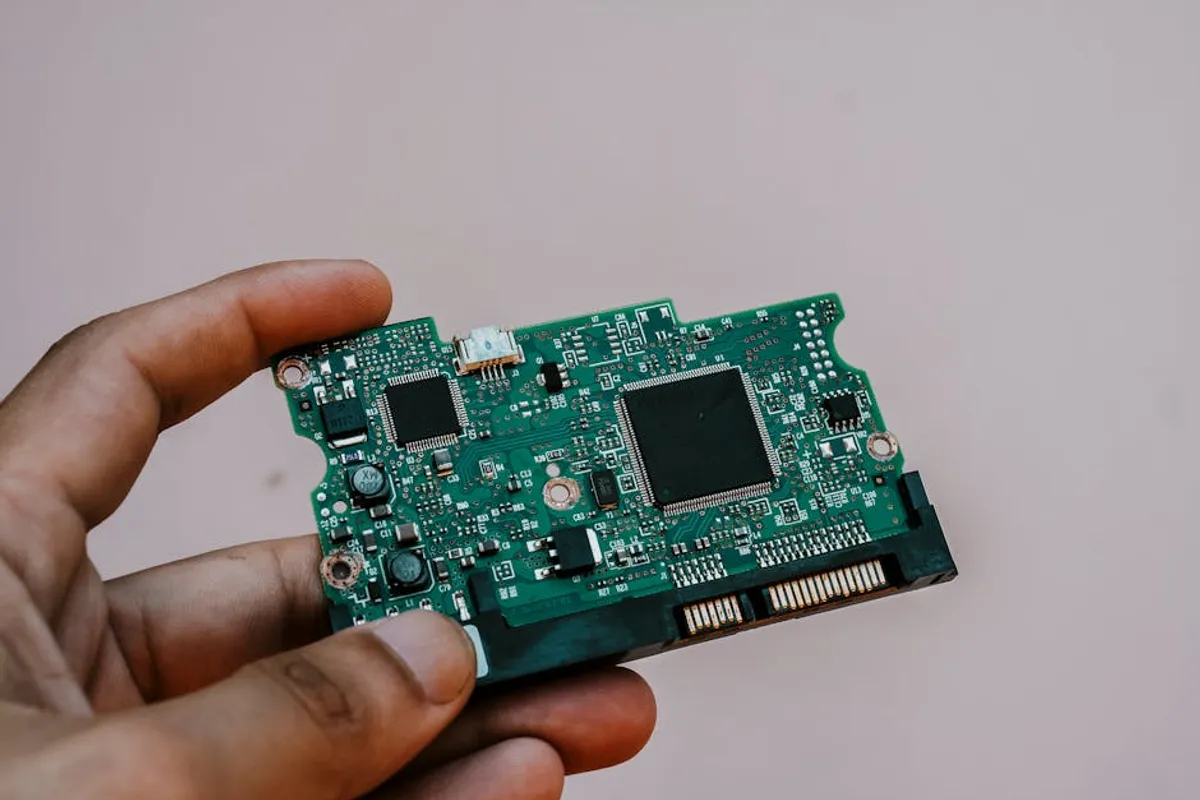
Android firmware is a low-level software that provides the primary control for a device's specific hardware. It is distinct from the Android operating system (OS) itself, though the two are often updated concurrently. Think of firmware as the foundational layer that tells the hardware components—like the processor, camera, and display—how to interact with the OS. Each device manufacturer customizes this firmware to match their specific hardware configuration and often includes their own user interface (UI) overlays, such as Samsung's One UI or Google's Pixel UI.
Updates to this firmware can encompass several elements:
- Android OS Version Upgrades: These are major releases, like moving from Android 13 to Android 14, introducing significant new features, UI overhauls, and core system improvements.
- Security Patches: Distributed monthly or quarterly, these address newly discovered vulnerabilities in the Android framework or Linux kernel. These are critical for protecting user data and device integrity.
- Manufacturer-Specific Enhancements: These updates come directly from the device's OEM and often include improvements to their custom UI, camera algorithms, battery management, or drivers for specific hardware components.
The Imperative of Regular Updates
The consistent release of Android firmware updates serves several crucial functions, impacting both individual users and the broader mobile ecosystem. For businesses developing apps or managing mobile device deployments, understanding these drivers is key to maintaining a robust and secure operational environment.
Enhanced Security Posture
The primary driver for frequent updates is security. New vulnerabilities are constantly discovered in software, and these patches close those potential entry points for malware, data breaches, and unauthorized access. Running an outdated firmware version leaves a device exposed to known exploits, making it a target for malicious actors. For organizations, this translates directly to data security risks and potential compliance issues.
Performance Optimizations and Bug Fixes
Updates frequently include optimizations that improve device speed, responsiveness, and battery life. Manufacturers and Google continuously refine the software to make it more efficient. Furthermore, bugs discovered after a device's release are addressed through these updates, resolving issues ranging from app crashes to connectivity problems, which directly impacts user satisfaction and productivity.
Access to New Features and Capabilities
Major OS updates introduce new functionalities, UI enhancements, and developer APIs. These can range from improved privacy controls and notification management to advanced camera features and new multitasking options. For users, this means a continuously evolving and more capable device. For app developers, new APIs unlock possibilities for innovative applications and improved user experiences, but also necessitate testing for compatibility.
Pro Tip: Always back up your device data before initiating a major firmware update. While rare, unforeseen issues during the update process can lead to data loss. Cloud backups (Google Drive, manufacturer-specific services) or local backups to a computer provide a critical safety net.
Navigating the Update Process
Most Android devices receive updates Over-The-Air (OTA). This means the update files are downloaded directly to the device via Wi-Fi or mobile data, and the installation process is largely automated. Users typically receive a notification when an update is available. While convenient, some preparation steps are advisable to ensure a smooth transition:
- Sufficient Battery Charge: Ensure the device has at least 50% battery life, preferably fully charged. Updates can be power-intensive, and a device shutting down mid-update can lead to software corruption.
- Stable Network Connection: Download updates over a reliable Wi-Fi network to avoid data charges and ensure the download is not interrupted.
- Adequate Storage Space: Firmware updates, especially major OS upgrades, can be several gigabytes in size. Ensure your device has enough free internal storage for the download and installation files.
- Data Backup: As noted, backing up essential data (photos, contacts, app data) is a non-negotiable step before any significant software change.
While OTA updates are the standard, some advanced users or those with older, unsupported devices might explore manual flashing of firmware. This involves downloading firmware files from unofficial sources and using specialized tools. This process carries significant risks, including voiding warranties and potentially "bricking" the device if not performed correctly. For the vast majority of users and commercial deployments, sticking to official OTA updates is the recommended approach.
Addressing Potential Post-Update Issues
Occasionally, users may encounter issues immediately following a firmware update. These can range from minor annoyances to more significant performance problems. Common post-update issues include:
- App Incompatibility: Older applications may not be fully optimized for a new Android version, leading to crashes or unexpected behavior. Checking for app updates in the Google Play Store often resolves this.
- Reduced Battery Life: It's not uncommon for battery life to seem worse immediately after a major OS update. The system often re-indexes files and optimizes apps in the background, which can temporarily consume more power. This usually stabilizes after a few days.
- General Performance Slowdown: Similar to battery life, initial slowdowns can occur as the system adjusts. A simple restart can often resolve minor glitches. If performance issues persist, checking for problematic apps or performing a factory reset (after backing up data) might be necessary.
For businesses, anticipating these potential issues is crucial for customer support and internal IT departments. Providing clear documentation or support channels for common post-update queries can significantly reduce user frustration and support load.
Proactive Device Management and User Support
For organizations, managing Android firmware updates extends beyond individual user choice. It involves strategic decisions about device provisioning, security policies, and user support. Ensuring that company-issued devices receive timely security patches is a fundamental aspect of mobile device management (MDM). Furthermore, app developers must proactively test their applications against beta versions of upcoming Android releases to ensure seamless compatibility upon public rollout, preventing negative user experiences and potential revenue loss.
Understanding the update landscape—which devices receive updates, for how long, and from which manufacturers—informs purchasing decisions and long-term support strategies. This perspective ensures that devices remain secure and functional throughout their lifecycle, minimizing operational disruptions and maximizing user productivity.
Common Questions About Android Firmware Updates
How long do Android devices receive updates?
The duration of software support varies significantly by manufacturer and device tier. Flagship devices from major brands like Google, Samsung, and OnePlus typically receive 3-5 years of OS updates and 4-7 years of security patches. Budget devices often have shorter support windows, sometimes only 1-2 years.
Can I revert to an older Android version after an update?
Generally, reverting to an older official Android version is not officially supported by manufacturers and can be a complex and risky process, often requiring unofficial tools and potentially voiding your warranty. It's usually not recommended for the average user due to security risks and potential device instability.
What happens if I don't update my Android device?
If you don't update, your device will remain on its current software version. It will miss out on new features, performance improvements, and, critically, security patches. This leaves your device vulnerable to known exploits and could lead to decreased performance or app incompatibility over time.
Why do some devices get updates faster than others?
Update rollout speed depends on several factors: the device manufacturer (OEM), the specific device model, and sometimes the carrier. Google's Pixel devices typically receive updates first as they run stock Android. Other OEMs then need to adapt the new Android version to their custom UI and hardware, which takes time. Carrier testing can also delay updates.



