

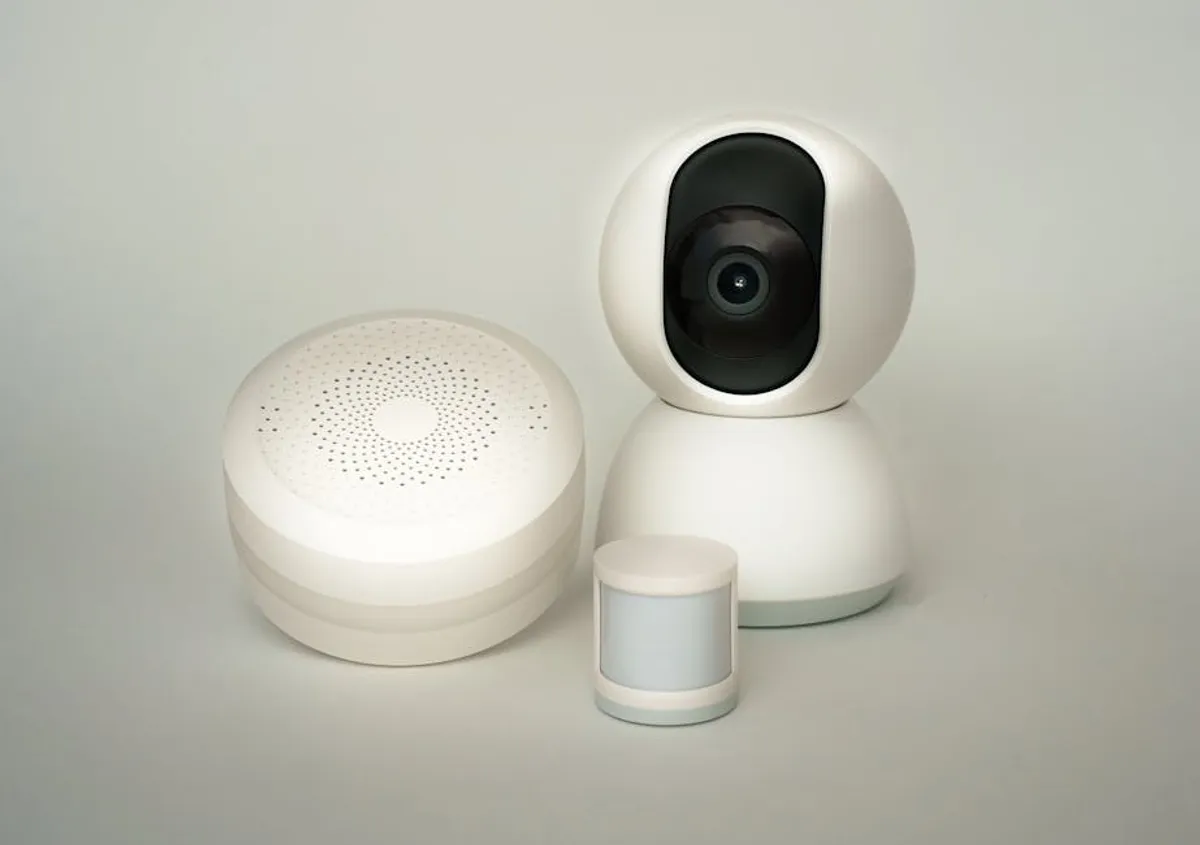
Deploying smart home devices offers convenience and efficiency, but it also introduces new vectors for digital and physical security vulnerabilities. Each connected device, from smart thermostats to security cameras, represents a potential entry point for unauthorized access, data compromise, or network exploitation if not properly secured. The commercial implications extend beyond individual privacy; businesses managing smart environments, or those advising clients on IoT deployments, face reputation risks and potential regulatory non-compliance if security is overlooked. Understanding and mitigating these risks is not merely a technical task but a critical component of responsible digital stewardship, ensuring the integrity of connected ecosystems and the trust of their users.
Understanding Smart Home Vulnerabilities
Securing smart home devices begins with a comprehensive understanding of their inherent vulnerabilities. These devices often operate with less robust security protocols than traditional computers, making them attractive targets for malicious actors seeking access to personal data, network resources, or simply to disrupt operations. The attack surface is broad, encompassing network infrastructure, individual device firmware, and cloud-based services.
Network-Level Risks
The primary gateway for most smart home device compromises is the home network itself. Weak Wi-Fi passwords, outdated router firmware, or improperly configured network settings can expose all connected devices. Once an attacker gains access to the local network, they can often discover and exploit vulnerabilities in individual devices that might otherwise be inaccessible from the internet. This includes sniffing unencrypted traffic, launching denial-of-service attacks, or even gaining control of devices that rely on local network communication.
Device-Level Risks
Many smart devices ship with default usernames and passwords that are rarely changed by end-users. These factory settings are widely known and easily exploited. Furthermore, some devices may contain unpatched firmware vulnerabilities, backdoors, or insecure communication protocols that manufacturers have not adequately addressed. A lack of regular security updates leaves these devices perpetually exposed, even if the network itself is well-secured. Physical access to a device can also lead to compromise, especially if sensitive data is stored locally without encryption.
Data Privacy Concerns
Smart home devices frequently collect vast amounts of personal data, including voice recordings, video feeds, location data, and behavioral patterns. This data is often transmitted to and stored on cloud servers managed by the device manufacturer. Inadequate data encryption, insecure cloud storage, or lax privacy policies can lead to data breaches. Even if the data itself isn't directly exploited, its collection and aggregation can create detailed profiles susceptible to misuse or sale, raising significant privacy concerns for individuals and compliance challenges for businesses.
Essential Steps for Immediate Protection
Implementing foundational security measures for smart home devices can significantly reduce exposure to common threats. These steps focus on hardening the network perimeter and securing individual device configurations.
Router Security Hardening
The home router is the first line of defense. Begin by changing the default administrator username and password to a unique, strong combination. Ensure your router's firmware is updated to the latest version, as these often include critical security patches. Use WPA2 or, preferably, WPA3 encryption for your Wi-Fi network with a complex, unique passphrase. Consider enabling a guest Wi-Fi network for smart devices that do not require access to your main network, effectively segmenting them from more sensitive devices like computers and smartphones.
Device-Specific Safeguards
- Change Default Credentials: Immediately modify any default usernames and passwords on new smart devices upon setup. Use strong, unique passwords for each device, ideally managed through a password manager.
- Enable Two-Factor Authentication (2FA): Where available, activate 2FA for smart device accounts. This adds an extra layer of security, requiring a second verification method (e.g., a code from your phone) in addition to your password.
- Disable Unnecessary Features: Review device settings and disable any features, ports, or services that are not actively used. Reducing the attack surface minimizes potential entry points for attackers.
- Regular Firmware Updates: Keep all smart devices updated. Manufacturers frequently release firmware updates to patch vulnerabilities and improve security. Enable automatic updates if the option is available and reliable.
- Vendor Reputation and Support: Prioritize devices from reputable manufacturers known for strong security practices and consistent software support. Research a device's security history and update frequency before purchase.
Network Segmentation
For enhanced security, implement network segmentation by creating a separate network (often called a VLAN or IoT network) for your smart devices. This isolates them from your primary network where sensitive data is processed. If a smart device on the IoT network is compromised, the attacker's access is contained, preventing them from easily moving laterally to other, more critical devices on your main network. This requires a router with VLAN capabilities, which is a worthwhile investment for robust smart home security.
Ongoing Maintenance and Best Practices
Security is not a one-time setup; it requires continuous attention and adaptation to evolving threats. Establishing routines for monitoring and management ensures sustained protection.
Regular Audits and Monitoring
Periodically review the logs of your router and smart devices for unusual activity. Many routers offer basic logging features that can highlight unauthorized access attempts or suspicious traffic patterns. Consider using network scanning tools to identify all devices connected to your network and check for open ports or known vulnerabilities. This proactive approach helps detect potential compromises before significant damage occurs.
Data Management and Privacy Controls
Regularly review the privacy settings of your smart devices and associated cloud accounts. Understand what data each device collects, how it is used, and with whom it is shared. Opt for stricter privacy settings where possible, such as limiting data retention or disabling unnecessary data collection. For devices that store sensitive data, evaluate options for local storage or end-to-end encryption to minimize reliance on third-party cloud services.
Physical Security Measures
Do not overlook the physical security of your smart devices and network equipment. Ensure your router is placed in a secure location, inaccessible to unauthorized individuals. For devices like smart locks or cameras, consider their physical placement to prevent tampering. A strong digital defense can be undermined if an attacker gains physical access to a device and can reset it or extract data directly.
Pro Tip: Always assume new smart devices ship with the least secure settings. Prioritize changing default credentials and disabling unnecessary features immediately upon installation. This proactive step closes common, easily exploited vulnerabilities before the device ever connects to the broader internet or your home network.
Sustaining Smart Home Security
Maintaining a secure smart home environment is an iterative process, not a static achievement. The landscape of connected devices and cyber threats evolves constantly, requiring a commitment to ongoing vigilance. By consistently applying robust network configurations, diligently updating device firmware, and actively managing data privacy, individuals and organizations can significantly reduce their risk exposure. Prioritize devices from manufacturers with a proven track record of security updates and transparent privacy policies. A layered security approach, combining strong passwords, network segmentation, and regular audits, forms the most resilient defense against potential incursions. Ultimately, smart home security is about balancing convenience with caution, ensuring that technology enhances life without compromising fundamental safety or privacy.
Frequently Asked Questions
What is the most common smart home device vulnerability?
The most common vulnerability stems from users failing to change default usernames and passwords on new devices, or using weak, easily guessable credentials. This provides a direct, unauthenticated entry point for attackers.
Should I put all my smart devices on a guest Wi-Fi network?
While a guest network offers some isolation, a more robust solution is a dedicated IoT VLAN (Virtual Local Area Network). A guest network might still allow devices to communicate with each other, whereas a VLAN can be configured to strictly limit communication between IoT devices and your main network, and even between IoT devices themselves.
How often should I update my smart device firmware?
Firmware should be updated as soon as new versions are released by the manufacturer, especially if they address security vulnerabilities. Enable automatic updates if available and reliable, or establish a monthly routine to check for and apply updates manually.
Can smart home devices be hacked even if my Wi-Fi is secure?
Yes. Even with a secure Wi-Fi network, devices can be vulnerable due to unpatched firmware, insecure cloud services, or physical access. An attacker could exploit a software flaw in the device itself, compromise the manufacturer's cloud platform, or gain access by physically tampering with the device.



