

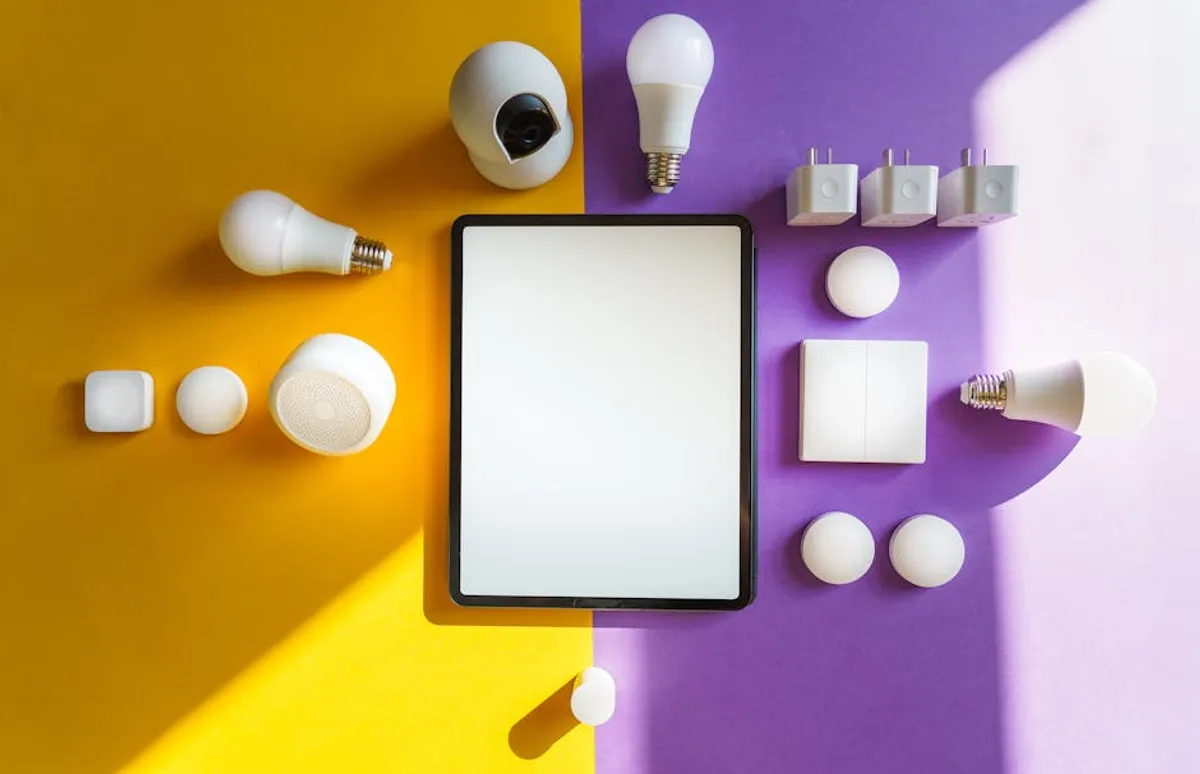
Entering the smart home ecosystem can feel daunting, with a vast array of devices and competing platforms. For beginners, the goal is often simplicity: devices that offer immediate, tangible benefits without complex setup or a steep learning curve. The most effective starting points focus on convenience, energy savings, or basic security, integrated through intuitive controls like voice commands or a smartphone app. Prioritizing ease of installation and clear functionality helps build confidence, allowing for gradual expansion as comfort with smart technology grows. For those looking to centralize control, understanding the nuances of choosing a smart home hub can streamline the entire experience.
Starting with Smart Speakers and Displays
Smart speakers and displays often serve as the foundational hub for a beginner's smart home, providing a central point for control and interaction. These devices integrate voice assistants that can manage other connected devices, answer questions, play music, and set reminders.
Voice Control and Central Hub
For first-time users, the immediate benefit is hands-free control. Instead of navigating menus on an app, a simple voice command can adjust lights, play a podcast, or check the weather. This natural interaction method reduces the barrier to entry significantly. Many smart speakers also act as a bridge for other devices, allowing them to communicate even if they originate from different manufacturers, simplifying the overall system architecture for a novice.
Visual Feedback and Enhanced Interaction
Smart displays, an evolution of smart speakers, add a screen for visual feedback. This is particularly useful for beginners, as it provides a visual confirmation of commands, allows for video calls, displays security camera feeds, or shows recipe steps. The graphical interface can make managing schedules, viewing smart device statuses, or browsing media more intuitive than relying solely on voice, offering a more comprehensive user experience from the outset.
Automating Your Lighting
Smart lighting is frequently a beginner's first foray into home automation due to its clear benefits and relatively simple setup. It immediately enhances convenience and can contribute to energy efficiency.
Simple On/Off and Dimming
The most straightforward application is remote control of lights. Instead of flipping a switch, lights can be turned on or off via an app or voice command. Many smart bulbs also offer dimming capabilities without requiring a dedicated dimmer switch, providing immediate ambiance control. This eliminates the need to get up to adjust lighting, a small but impactful convenience for daily routines.
Scheduling and Scene Creation
Beyond basic control, smart lighting allows for scheduling, ensuring lights are on when you arrive home or turn off automatically when you leave. Beginners can also explore "scenes," which are predefined lighting configurations. For instance, a "movie night" scene might dim the main lights and turn on accent lighting. These features are often managed through user-friendly apps, guiding new users through the process of creating custom automations that align with their lifestyle.
Making Dumb Devices Smart with Plugs
Smart plugs are among the most accessible smart home devices, offering a low-cost, low-commitment way to introduce automation to existing appliances. They require no electrical wiring knowledge, making them ideal for beginners.
Instant Automation
These devices connect to standard wall outlets and allow you to control any plugged-in appliance (lamps, coffee makers, fans, holiday lights) remotely via an app or voice command. Their appeal lies in zero installation complexity; simply plug them in and pair them with your smart home app. This offers immediate automation for non-smart devices, transforming a basic lamp into one you can switch on from another room or schedule to activate at dusk.
Energy Monitoring Benefits
Some smart plug models include energy monitoring, providing data on power consumption for connected devices. For beginners interested in reducing their electricity bill or understanding their energy usage, this feature offers tangible insights. It can inform energy-saving habits by identifying "vampire drain" devices or simply showing the cost of leaving certain appliances on, translating directly into potential savings.
Optimizing Climate Control
Smart thermostats offer a significant upgrade over traditional models, providing enhanced control over your home's heating and cooling. While slightly more involved to install than a smart plug, many are designed with beginner-friendly setup processes and clear instructions.
Energy Savings and Comfort
The primary benefit for beginners is often energy savings. Smart thermostats learn your schedule and preferences, automatically adjusting temperatures to optimize comfort while minimizing energy waste when you're away or asleep. Features like geofencing (adjusting temperature based on your phone's location) ensure the home is comfortable upon arrival without manual intervention. This passive management of climate control reduces utility costs without sacrificing comfort.
Remote Management
Being able to control your home's temperature from anywhere via a smartphone app adds a layer of convenience. Forgot to turn down the heat before leaving for vacation? Adjust it from the airport. Want to warm up the house before you head home from work? A quick tap on your phone handles it. This remote accessibility provides peace of mind and greater control over your home environment, especially for those new to home automation.
Entry-Level Security and Monitoring
For beginners, smart security doesn't have to mean a complex, professionally installed system. Simple, self-monitored devices offer basic protection and peace of mind.
Basic Door/Window Sensors
These small, battery-powered sensors attach to doors and windows and notify your smartphone if they are opened or closed. Their installation is typically peel-and-stick, making them incredibly easy for beginners. They provide immediate alerts to potential intrusions, allowing for quick action or simply informing you if a child's window has been opened. This offers a fundamental layer of awareness about your home's entry points without subscription fees or intricate wiring.
Indoor Security Cameras
An indoor camera provides visual monitoring of a specific area. Many models offer simple plug-and-play setup, connecting to your home Wi-Fi and streaming video directly to your phone. Features like motion detection and two-way audio allow beginners to check in on pets, monitor children, or deter unwanted activity with minimal effort. While not a full-fledged security system, it offers a tangible sense of oversight for key areas of the home.
Pro Tip: When starting your smart home, prioritize devices that operate within the same ecosystem (e.g., all compatible with Amazon Alexa, Google Home, or Apple HomeKit). This simplifies setup, ensures smoother communication between devices, and prevents compatibility headaches that can quickly overwhelm a beginner. While cross-platform compatibility is improving, sticking to one primary ecosystem initially streamlines the user experience and reduces troubleshooting.
Essential Considerations for First-Time Buyers
Before purchasing, beginners should consider a few key aspects to ensure their smart home journey is smooth and scalable.
- Ecosystem Choice: Decide whether you prefer Amazon Alexa, Google Home, or Apple HomeKit. Your choice will influence device compatibility and the voice assistant you interact with most frequently. Test out the voice assistants on your phone to see which interface feels most natural.
- Installation Complexity: Opt for devices labeled "easy install" or "DIY-friendly." Look for options that require no special tools or electrical knowledge, such as smart plugs, battery-powered sensors, or screw-in smart bulbs.
- Privacy and Data Security: Research the manufacturer's privacy policies. Look for devices that offer strong encryption, regular firmware updates, and clear explanations of how your data is used. Reputable brands typically have transparent policies.
- Scalability: While starting small, consider if the chosen devices can integrate with future additions. A good starter device should be part of a broader family of products or a widely supported standard, allowing for seamless expansion without replacing your initial investment.
Building Your Connected Home Foundation
Starting your smart home journey doesn't require a significant upfront investment or technical expertise. By focusing on devices that offer immediate, practical benefits and are easy to set up, beginners can gradually build a connected environment that enhances convenience, improves energy efficiency, and provides a foundational layer of security. Begin with a single smart speaker or a few smart plugs, and expand based on your comfort and evolving needs. The key is to choose devices that integrate well together and offer clear, tangible value from day one, allowing you to experience the benefits of automation without the complexity.
Frequently Asked Questions
What is the easiest smart home device to set up for a beginner?
Smart plugs and smart light bulbs are generally the easiest to set up. They typically involve plugging them into an outlet or screwing them into a fixture, then pairing them with an app via Wi-Fi, without requiring any complex wiring or tools.
Do I need a smart home hub to start?
Many beginner-friendly devices, like smart plugs and Wi-Fi light bulbs, can connect directly to your home Wi-Fi and be controlled via their own app or a smart speaker. A dedicated hub becomes more useful as you add more devices from different brands or want more advanced automation, but it's not essential for starting.
Are smart home devices secure?
Security varies by manufacturer. Reputable brands prioritize security with features like encryption and regular software updates. It's important to use strong, unique passwords for your smart home accounts and enable two-factor authentication where available to protect your devices and data.
Can I mix and match different brands of smart home devices?
Yes, to an extent. Many devices from different brands can be controlled through a central smart speaker ecosystem (like Amazon Alexa or Google Home) or via platforms that support multiple brands. However, sticking to devices within the same ecosystem or those explicitly listed as compatible can simplify setup and ensure smoother integration.



