

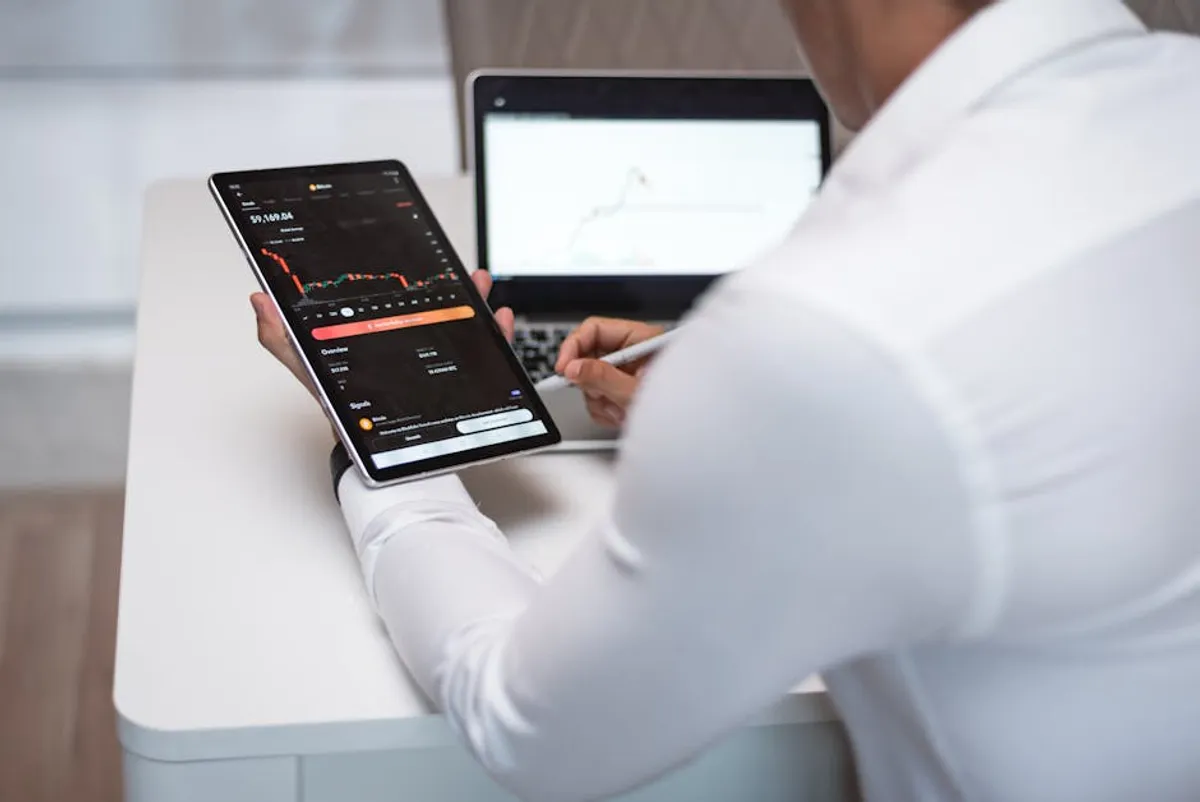
Equipping a remote workspace effectively requires a targeted approach to technology investments. Unlike a traditional office setup, remote work often blends personal space with professional demands, necessitating devices that offer both performance and adaptability. The goal is to create an environment that minimizes distractions, maximizes efficiency, and supports long-term well-being, all while considering varying work locations and connectivity challenges. This isn't about accumulating gadgets; it's about strategic selections that directly address the unique operational needs of working outside a centralized office. These strategic selections that directly address the unique needs of remote work can be found in our curated list of the best gadgets for remote work.
Core Productivity Devices
The foundation of any effective remote setup begins with the primary tools that facilitate daily tasks. These devices are central to processing information, running applications, and maintaining workflow continuity.
High-Performance Laptops
A reliable laptop forms the backbone of a remote worker's toolkit. Emphasis should be placed on processing power, memory, and storage that can handle demanding applications without lag. For tasks involving video editing, complex data analysis, or simultaneous use of multiple resource-intensive programs, an Intel i7 or AMD Ryzen 7 processor (or higher) with at least 16GB of RAM is a practical minimum. Solid-state drives (SSDs) are crucial for fast boot times and application loading, significantly improving responsiveness over traditional hard drives. Battery life is another critical factor, particularly for those who work from varied locations; look for models offering 8+ hours of real-world use. Display quality also contributes to productivity, with higher resolutions (1080p or 4K) and color accuracy reducing eye strain over extended periods.
Best for: Sustained performance, multitasking, portability for varied work locations.
External Monitors
While laptops offer portability, an external monitor dramatically expands screen real estate, a proven factor in increasing productivity for information workers. A dual-monitor setup, or even a single large-format display (27 inches or larger), allows for simultaneous viewing of multiple documents, applications, or communication channels without constant tab switching. Prioritize monitors with IPS panels for wider viewing angles and better color consistency, which is beneficial for collaborative work and design tasks. Ergonomic features like height, tilt, and swivel adjustments are essential for maintaining proper posture and reducing neck strain, a common issue in remote work setups.
Best for: Enhanced multitasking, improved ergonomics, reduced eye strain.
Ergonomic Input Devices
The keyboard and mouse are direct interfaces with digital work, making their ergonomic design critical for comfort and preventing repetitive strain injuries. An ergonomic keyboard with a split design or adjustable tenting can align wrists and forearms more naturally. Mechanical keyboards, while often preferred by typists for tactile feedback, should be chosen based on switch type (e.g., quiet brown switches for shared spaces). For mice, consider vertical or trackball designs that reduce wrist pronation. Programmable buttons on both devices can streamline workflows by assigning frequently used commands or macros, further reducing repetitive movements.
Best for: Long-term comfort, injury prevention, workflow efficiency.
Communication & Collaboration Essentials
Effective remote work hinges on clear and consistent communication. Devices in this category bridge geographical gaps, ensuring that virtual interactions are as productive as in-person meetings.
High-Fidelity Webcams
Integrated laptop webcams often provide suboptimal image quality, especially in varying lighting conditions. An external webcam offering 1080p resolution at 30 frames per second (fps) or higher ensures clearer video for virtual meetings. Features like autofocus, automatic low-light correction, and a wide field of view (FoV) are beneficial for professional presentations or group calls. Some higher-end models include AI-powered framing to keep the speaker centered, which is useful for dynamic presentations.
Best for: Professional virtual meetings, clear visual communication.
Professional Audio Equipment
Poor audio quality is a significant detractor in virtual communication. A dedicated headset with a noise-canceling microphone is often superior to built-in laptop microphones. Look for headsets with comfortable earcups for extended wear and a microphone that effectively isolates your voice from background noise. Alternatively, a standalone USB microphone provides broadcast-quality audio, ideal for frequent presentations, podcasts, or client calls where voice clarity is paramount. These microphones often feature different polar patterns (e.g., cardioid) to focus on the speaker's voice while rejecting ambient sounds.
Best for: Clear verbal communication, noise reduction, professional audio output.
Pro Tip: Prioritize devices that offer multi-device connectivity (e.g., Bluetooth 5.0 with simultaneous pairing) and universal compatibility. This reduces the need for multiple dongles and ensures seamless switching between your laptop, tablet, and smartphone, streamlining your workflow across platforms.
Enhancing the Remote Workspace
Beyond core productivity and communication, certain devices can significantly improve the overall remote work experience, addressing common challenges like power management and connectivity.
Portable Power Solutions
For remote workers who frequently change locations or experience unreliable power grids, a portable power bank or a small uninterruptible power supply (UPS) is invaluable. A power bank with sufficient capacity (20,000 mAh or more) and USB-C Power Delivery (PD) can recharge laptops, tablets, and phones multiple times. A UPS provides surge protection and temporary battery backup for desktops or critical networking equipment during short power outages, preventing data loss and maintaining connectivity.
Best for: Mobile work, power outage protection, device charging on the go.
Smart Lighting
Proper lighting reduces eye strain and improves webcam image quality. A smart desk lamp with adjustable brightness and color temperature (warm to cool white) allows customization for different tasks and times of day. Some models integrate with smart home ecosystems, enabling voice control or scheduled adjustments, contributing to a more comfortable and productive environment.
Best for: Ergonomic lighting, improved video call aesthetics, eye comfort.
Connectivity Boosters
Reliable internet is non-negotiable for remote work. For homes with Wi-Fi dead zones or inconsistent coverage, a mesh Wi-Fi system or a Wi-Fi extender can significantly improve signal strength and stability across the entire workspace. For critical tasks requiring maximum stability, a Gigabit Ethernet adapter for laptops without a built-in port, combined with a direct wired connection to the router, offers the most reliable internet access, minimizing latency and dropped connections.
Best for: Stable internet connection, extended Wi-Fi coverage, reduced latency.
Optimizing Your Remote Setup
Selecting the right tech devices is an investment in productivity, comfort, and professional presence. The key is to evaluate individual work requirements against device capabilities, focusing on features that directly contribute to efficiency and well-being in a distributed work environment. Consider not just the initial purchase, but also the long-term benefits of reduced strain, improved communication, and enhanced workflow. Prioritize versatility and integration to create a cohesive and adaptable workspace.
- Assess your primary tasks: Do you spend more time coding, writing, video conferencing, or design? This dictates processor, RAM, and display needs.
- Evaluate your workspace flexibility: Are you always at a dedicated desk, or do you move frequently? This influences portability and battery life requirements.
- Consider your communication frequency: How often do you participate in video calls or presentations? This determines the importance of camera and microphone quality.
- Factor in ergonomics: Long hours demand devices that support natural posture and reduce strain.
- Budget for reliability: Investing in durable, reputable devices often reduces long-term replacement costs and downtime.
Frequently Asked Questions
What is the most important tech device for a remote worker?
The most critical device is typically a high-performance laptop, as it serves as the central hub for all work tasks, applications, and connectivity. Its specifications directly impact overall productivity and the ability to handle diverse workloads.
How can I improve my remote work internet connection?
To enhance internet stability, consider upgrading your router, implementing a mesh Wi-Fi system for broader coverage, or using a wired Ethernet connection for your primary workstation to minimize latency and improve reliability.
Are ergonomic devices truly necessary for remote work?
Yes, ergonomic keyboards, mice, and monitor setups are highly recommended. They are crucial for preventing repetitive strain injuries, reducing discomfort during long working hours, and promoting better posture, which contributes to long-term health and productivity.
Should I invest in a separate microphone and webcam?
For professional-grade video calls, client presentations, or any scenario where clear communication is paramount, investing in a dedicated external webcam and a high-quality USB microphone significantly improves your audio and visual presence compared to integrated laptop components.



